
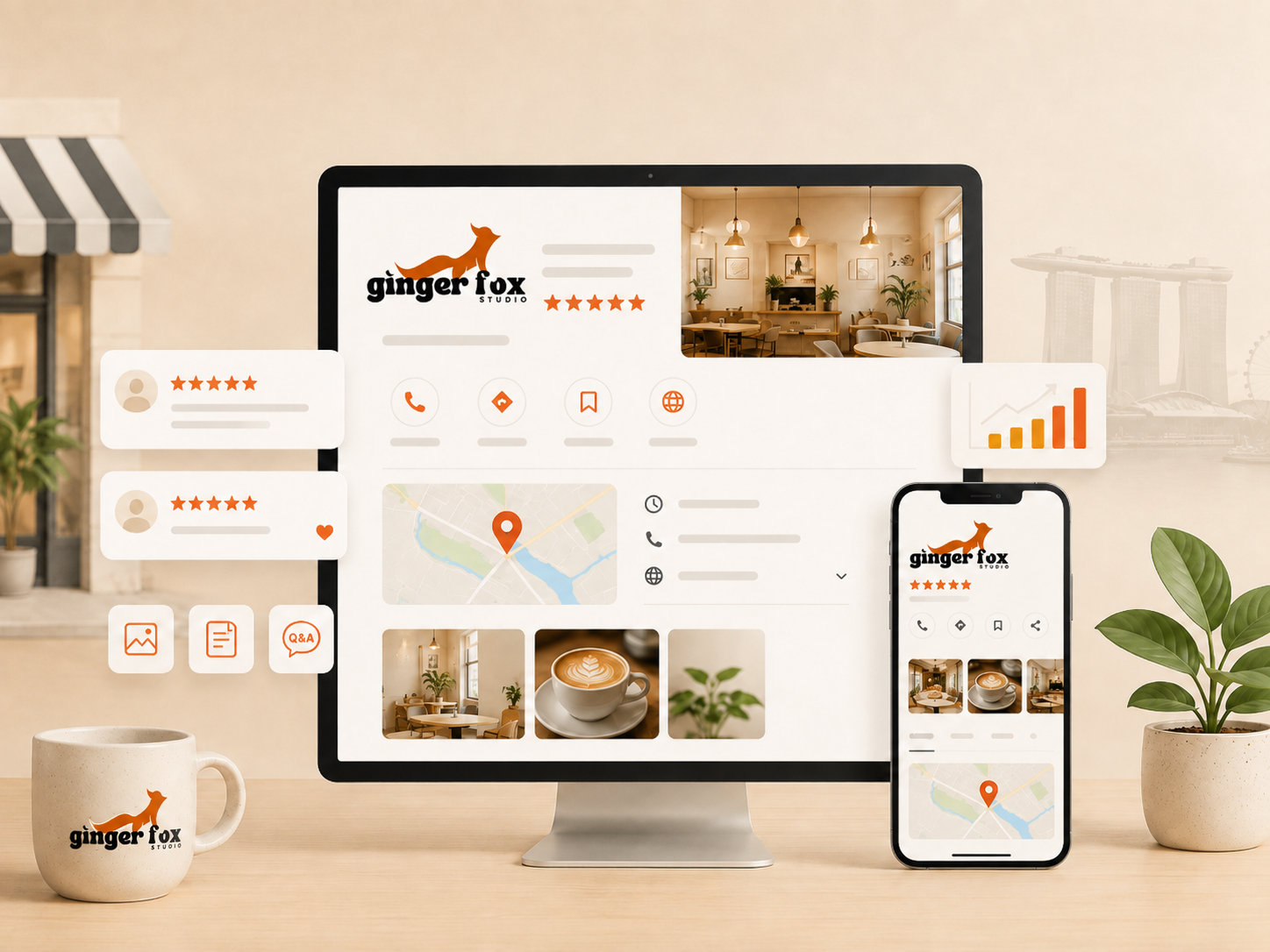
If you run a shop, clinic, café, salon or trade business in Singapore, more people will meet your business on Google Maps this week than on your website. They will search "aircon servicing near me" or "dentist Bukit Timah", glance at three results, and pick one — usually within thirty seconds. Your Google Business Profile (GBP) is doing the selling in that moment, whether you have touched it or not.
The frustrating part is that most SMEs set up their profile once, years ago, and never look at it again. Meanwhile a competitor two units down is posting weekly updates, replying to every review, and quietly climbing past them in the map results. None of this requires a marketing team. It requires a routine. Here is the full playbook.
Why your Google Business Profile matters more than your website
For local searches — anything with a "near me" intent, or a suburb name attached — Google usually shows a map with three businesses (the "local pack") above the regular search results. Most people never scroll past it. If your business is not in that pack, you are invisible to a huge share of nearby customers, no matter how good your website is.
A Google Business Profile is also free, and it shows information customers actually want before they click anything: your rating, your opening hours, whether you are open right now, photos of the place, and what other customers said. It does more selling per second than most homepages.
The shift to notice
Customers increasingly decide before they ever visit your website. If your GBP is thin or outdated, they choose a competitor without ever knowing you existed.
Getting the basics exactly right
Before optimising anything, make sure the foundational details are complete and accurate. This sounds obvious, but it is the single most common thing we find broken when we audit an SME's profile.
Profile basics to lock down
- Business name matches your signage exactly — no keyword stuffing like "Ginger Fox Studio – Best Web Design Singapore".
- Correct primary category, plus relevant secondary categories.
- Full, accurate address (or service area, if you do not have a walk-in shop).
- Phone number that is actually answered during listed hours.
- Website link pointing to the most relevant page, not always the homepage.
- Accurate opening hours, including public holidays.
- A short, clear business description with no fluff.
Practical example: a family clinic in Toa Payoh had "Dr Tan Family Clinic – Toa Payoh – TCM – Massage – Facial" as their listed name. Google flagged and eventually suppressed the listing for keyword stuffing. Fixing the name to match the actual signboard, and moving those keywords into the description and categories instead, restored the listing within two weeks.
How Google decides who ranks: the three ranking factors
Google Maps ranks businesses on three things: relevance, distance and prominence. Understanding each one tells you exactly where to spend your effort.
| Factor | What it means | What you can influence |
|---|---|---|
| Relevance | How well your profile matches the search | Categories, description, services listed, keywords in reviews |
| Distance | How close you are to the searcher | Little control, but service-area settings matter |
| Prominence | How well-known and well-reviewed you are online | Review volume, review recency, ratings, photos, citations, website authority |
Distance is largely outside your control — you cannot move your shop closer to every customer. That is exactly why relevance and prominence matter so much: they are the two levers you can pull every single week.
Reviews: the single biggest lever you have
Review count, review recency and star rating are among the strongest signals in the ranking algorithm — and they are also the biggest factor in whether a stranger trusts you enough to click. A business with 4 reviews at 4.9 stars often loses to a competitor with 80 reviews at 4.5 stars, simply because volume signals that real people go there.
How to get more reviews, consistently
- Ask at the best moment — right after a good outcome, not weeks later by email.
- Make it a one-tap process: a short link or QR code, never a request to "search us on Google and leave a review".
- Train staff to ask verbally every time, using the same simple line.
- Follow up once via WhatsApp or SMS if someone said yes but has not posted yet.
- Never offer discounts or freebies in exchange for reviews — more on why in the next section.
Reply to every review, good or bad, within a few days. Replies show up publicly, they are read by future customers, and Google treats an actively managed profile more favourably than a silent one.
Photos: the fastest credibility boost available
Listings with more photos get significantly more requests for directions and website clicks than listings with few or none. Photos are also one of the easiest things to neglect, because nobody remembers to upload them after the initial setup.
Photo categories worth covering
- Exterior shot so people can recognise the shopfront from the street
- Interior shots showing the actual space, not a generic stock feel
- Team or owner photo — faces build trust
- Products or finished work, updated regularly
- Photos taken by customers, reposted with permission where good
Add new photos monthly at minimum. A profile with a photo dated three years ago quietly signals "we might be closed" to a cautious browser, even if you are very much open.
Products, services and posts: use the space Google gives you
Most SMEs never fill out the Products, Services or Posts sections, which means they are giving up free real estate directly in front of ready-to-buy searchers.
Services and products
List every service or product line with a short description and, where sensible, a price or price range. This helps Google match you to more specific searches ("gel manicure Tampines" instead of just "nail salon") and helps customers self-select before calling.
Posts
Google Posts work like a mini social feed on your profile — offers, updates, new arrivals, events. Posting weekly keeps the profile looking active, which factors into prominence, and gives you a free channel to promote a promotion without paying for ads.
- 1One offer or update post per week, with a photo and a clear call to action.
- 2Use What's New posts for anything time-sensitive: closures, new menu items, festive hours.
- 3Add an Event post for anything with a start and end date.
- 4Always include a link or a next step — call, book, order, visit.
Q&A and messaging: closing the gap before a customer calls
The Questions & Answers section is public and searchable, and anyone — not just you — can post a question or an answer. Left unmanaged, competitors or confused customers can post inaccurate answers that sit there indefinitely.
- Seed the Q&A yourself with the five questions you get asked most: parking, payment methods, walk-ins vs appointments, delivery, warranty.
- Monitor weekly and correct any wrong answers immediately.
- Turn on messaging if you can commit to replying within a few hours — an unanswered message thread looks worse than no messaging at all.
A profile that answers questions before they are asked removes the last bit of friction between a browser and a booking.
Common mistakes that quietly hurt your ranking
- Keyword-stuffed business names, which risk suspension.
- Wrong or overly broad primary category ("Restaurant" when you are a "Halal Caterer").
- Inconsistent name, address and phone number across your website, Facebook and directories — Google cross-checks these.
- Ignoring negative reviews instead of responding calmly and professionally.
- Letting hours go stale over public holidays, causing angry "closed when it said open" reviews.
- No photos added since the profile was created.
- Multiple listings for the same location, competing against each other.
Practical example: a bakery in Serangoon had two listings — one created years ago by a former staff member, one created later by the current owner. Reviews and ranking signals were split across both, quietly weakening each one. Merging them through Google's duplicate-reporting process consolidated the reviews and visibly improved their local pack ranking within a month.
The weekly Google Business optimisation checklist
15 minutes a week is enough
- Reply to any new reviews, good or bad.
- Check for new Q&A entries and correct anything wrong.
- Upload at least one new photo.
- Publish one Google Post with an offer or update.
- Check messages and reply to anything outstanding.
- Confirm opening hours are correct for the week ahead, including holidays.
- Glance at Insights to see which searches are bringing people to your profile.
Put this on a recurring reminder for whoever handles your front-of-house or admin. It is a small, boring task with an outsized payoff — the businesses that do it consistently are almost always the ones sitting in the top three results.
Frequently asked questions
How long does it take to rank higher on Google Maps?
Can I pay for reviews or offer discounts for them?
What if my business does not have a physical shopfront?
Why did my listing get suspended?
Do I need a website if my Google Business Profile is strong?
Let Ginger Fox optimise your Google Business Profile.
We will audit your listing, fix what is quietly costing you customers, and set up a routine that keeps you visible where it counts.
Book a call