
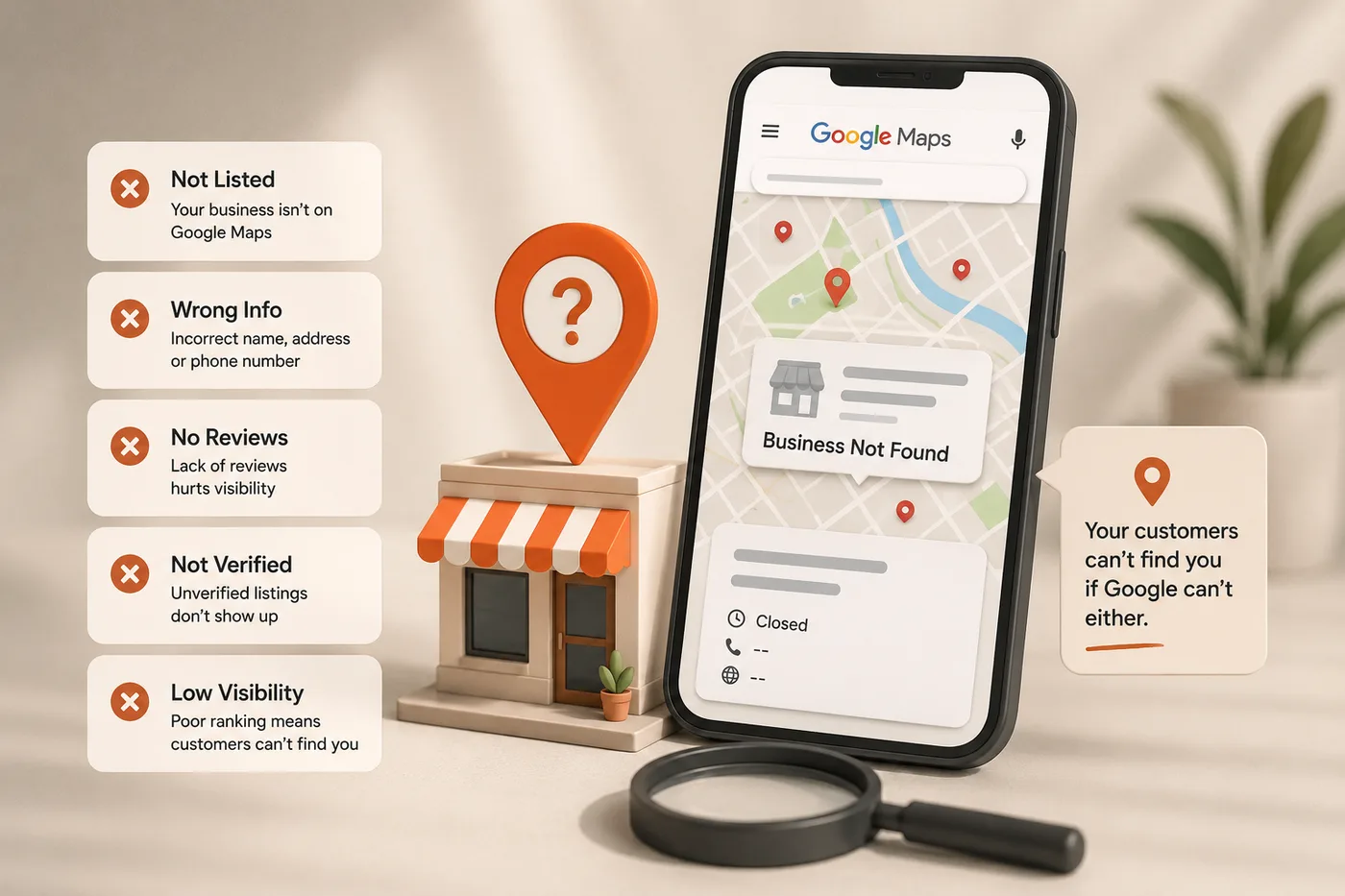
"My friend searched for us and we didn't come up at all" is one of the most common things SME owners tell us, usually with real frustration. It feels random and unfair, especially when a much smaller competitor is sitting right there in the results.
It is rarely random. Google Maps visibility problems almost always trace back to one of a small number of specific, fixable issues — a wrong category, an unverified listing, mismatched business details, or in some cases a quiet suspension you were never clearly told about. This guide walks through how ranking actually works, and gives you a step-by-step way to diagnose what has gone wrong.
How Google Maps ranking actually works
Google Maps ranks businesses using three factors, and understanding them tells you where to look when something is wrong.
| Factor | What it means | Common failure points |
|---|---|---|
| Relevance | How well your profile matches the search terms used | Wrong category, thin description, missing services |
| Distance | How close your listed location is to the searcher | Wrong pin location, incorrect address, service-area misconfigured |
| Prominence | How well-known, trusted and active your business appears | Few or no reviews, unverified listing, suspension, inactivity |
Most "we don't appear on Maps" cases are not really ranking problems at all — they are eligibility problems. If your listing is unverified, suspended or has conflicting information, it may not be competing for ranking at all; it may simply not be showing up, full stop.
Verification issues: the most common cause of all
An unverified Google Business Profile will rarely, if ever, appear in Maps search results or the local pack, regardless of how good the rest of the listing looks. This is the first thing to check, and it is often overlooked because the profile looks otherwise complete.
How to check and fix verification
- Log into Google Business Profile Manager and look for a verification banner or status.
- If unverified, choose a verification method — usually postcard by mail, phone, email, or video for some categories.
- If a postcard was requested but never arrived, request a new one rather than waiting indefinitely.
- For service-area businesses, video verification is increasingly used and is often faster.
- If you suspect someone else created and 'owns' your listing already, use the request-ownership process instead of creating a duplicate.
If you are not sure whether your listing is verified, assume it might not be and check today — this single issue explains a large share of the 'we're invisible on Maps' cases we see.
Wrong or missing categories
Your primary category is one of the strongest relevance signals Google uses. A bakery listed under "Restaurant" will struggle to show up for "bakery near me" searches, even though a human would obviously consider it one.
- Choose the most specific accurate category available, not the broadest one.
- Add secondary categories for genuine additional services, but do not stuff in categories that do not apply.
- Review your categories every few months — Google periodically adds new, more specific options.
- Check what category your top-ranking competitors use as a sanity check, though do not copy them blindly.
Practical example: a halal caterer was listed under the generic "Caterer" category and rarely appeared for "halal catering Singapore" searches. Switching the primary category to a more specific option and adding "halal" naturally into the business description noticeably improved visibility for those exact searches within a few weeks.
NAP inconsistency: the quiet trust killer
NAP stands for Name, Address, Phone number. Google cross-references these details across your website, social media, directories and citations to judge how trustworthy and accurate your listing is. Inconsistencies — even small ones — can quietly suppress your ranking.
| Example mismatch | Why it matters |
|---|---|
| "Blk 123 #01-45" vs "123 Example Road, Unit 01-45" | Looks like two different businesses to automated matching |
| Old phone number still listed on Facebook | Confuses both Google and customers |
| Business name with extra words on one platform | Breaks exact-match trust signals |
- 1List every place your business appears online: website, Facebook, Instagram, directories, past press mentions.
- 2Write down the exact name, address and phone number as they should appear.
- 3Go through each platform and correct any mismatches.
- 4Update your website footer and contact page to match exactly.
Service-area businesses: a different set of rules
If you do not have a walk-in shopfront — a cleaning company, a mobile tutor, a contractor — you should set your listing up as a service-area business rather than listing a fixed address. Getting this wrong causes real visibility problems.
- Hide your address if customers do not visit you there, and define your service areas clearly instead.
- Do not list a residential address as a fake storefront — this violates Google's guidelines and risks suspension.
- Set service areas realistically; listing all of Singapore when you mainly serve the east dilutes relevance.
- Update your service areas if your coverage genuinely changes, rather than leaving it static for years.
Service-area businesses are ranked primarily on relevance and prominence rather than a fixed distance from a shopfront, so reviews and a well-optimised profile matter even more for this category.
Suspensions and reinstatement
A suspended listing simply disappears from search and Maps, often with little warning. Common triggers include keyword-stuffed names, address issues, sudden unusual activity such as a spike of reviews, or a violation flagged by a competitor or automated system.
Steps to get reinstated
- 1Identify the likely cause by reviewing recent changes to your listing.
- 2Fix the underlying issue first — correct the name, address, or category before appealing.
- 3Submit a reinstatement request through Google Business Profile support.
- 4Be specific and factual in your appeal; vague appeals are usually rejected.
- 5Expect the process to take anywhere from a few days to several weeks.
Prevention beats cure
Most suspensions are avoidable. Keep your business name exactly as it appears on your signage, avoid sudden unnatural spikes in reviews, and never create a second listing for the same address.
Duplicate listings splitting your visibility
Duplicates commonly happen when a listing is created automatically by Google, by a past employee, or during a rebrand or address change, leaving an old listing active alongside the new one. This splits your reviews and confuses ranking signals.
- Search your business name and address on Google Maps to check for more than one result.
- Claim any unclaimed duplicate you find.
- Report duplicates through Google's support process to have them merged or removed.
- After a house move or rebrand, update the existing listing rather than creating a new one from scratch.
The diagnostic checklist: work through it in order
Start here if you cannot find your business on Maps
- Confirm the listing is verified, not just created.
- Search your exact business name plus suburb to check for duplicates.
- Check whether the listing shows any suspension or policy warning in the dashboard.
- Confirm the primary category matches what you actually do.
- Compare your name, address and phone number across your website, Facebook and directories.
- Confirm your address or service area is set up correctly for your business type.
- Check recent reviews for a sudden unnatural spike that may have triggered a flag.
- If everything checks out, focus on prominence: more reviews, more photos, more consistent posting.
Work through this list in order — most issues sit near the top, and fixing verification or a wrong category alone resolves a large share of "invisible on Maps" cases without touching anything else.
Frequently asked questions
How long does it take to reappear on Maps after fixing an issue?
Why does a smaller competitor rank above me?
Can I have two Google Business listings for two branches?
My listing shows on Google Search but not on Maps — why?
Should I hire someone to manage this, or can I do it myself?
Let Ginger Fox find and fix why you're not showing up.
We will audit your Google Business Profile, diagnose exactly what is blocking your visibility, and get you back on the map.
Book a call